DisplayBox MK1



The DisplayBox MK1 - currently a prototype - is a raspberry pi based device that display telemetry from most sim racing games via a USB cable and SIMHub.
Clever code allows the use of a relatively simple hardware setup, meaning prices can be kept exceptionally low. The standard DisplayBox will be priced to compete with IFlag devices - which display a comparitvely limited amount of information.
Despite the low price, the DisplayBox offers the performance and relailibty reqruired for Sim Racing, and provides a range of display options, with some customizable functionality too.
Displays
The DisplayBox offers a range of displays, featuring key telemetry points:
Speed (MPH/KPH)
Engine RPM figure and shift indicator with RPM OR boost bar
RPM graphic, figure, shift indicactor, and boost bar
Oil/Coolant temperature figures (C)
Current gear and shift indicator with RPM OR boost bar
Current lap time, number, and RPM bar
Current lap time, number, and position
Current lap time, number, and best lap time
Fuel remaining % bar, time, and laps
Note that not all telemetry is available in all games. For example, BeamNG drive doesn't output lap times as of v0.38.
Customizable features
There are warnings for fuel level and oil temperature that will appear on the top or bottom of the display respectively - regardless of the currently selected display layout. These warnings can be setup to occur at a customizable threshold, and the fuel level warning can be setup to trigger based on % remaining, laps remaining or time remaining.
You can also customize the trigger for the shift point - SIMhub has a customizable redline setting that the DisplayBox uses to display the shift indicator arrows. Changing this redline setting will therefore change when the indicator arrows appear.
Compact, simple, yet durable
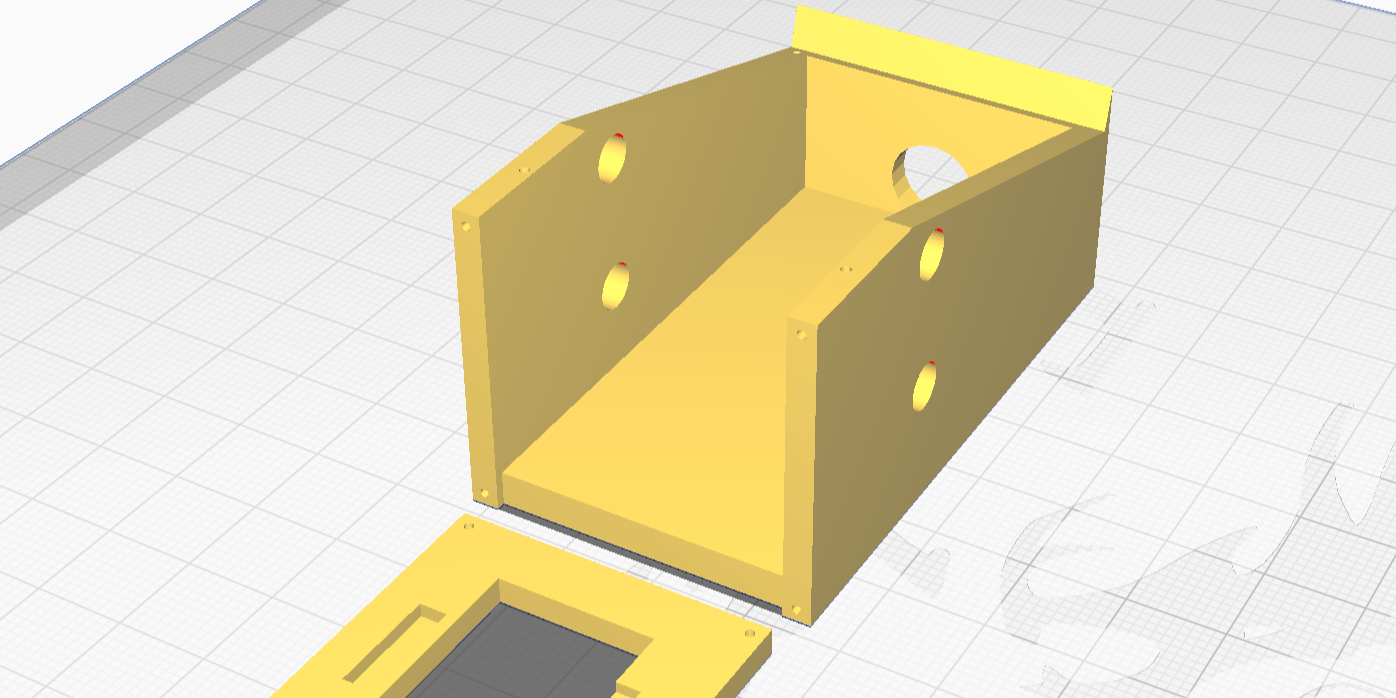
The DisplayBox features a simple, compact, 3D printed case. Despite its small size and relatively inexpesnive materials (PTEG+), the electronics inside are so compact that the walls of the case are close to 1CM thick in most places, making it difficult to damage the case even if you try to. (Note: we have only tested this with our hands. Please do not hit your DisplayBox with a hammer.)


